
Travel planning without the chaos
Plan the trip. Skip the group chat.
One shared timeline, group votes that actually reach decisions, and a chat built for the trip, whether your crew is six friends or just you.



Scan to get Limbo
5.0 on the App Store· All features are free
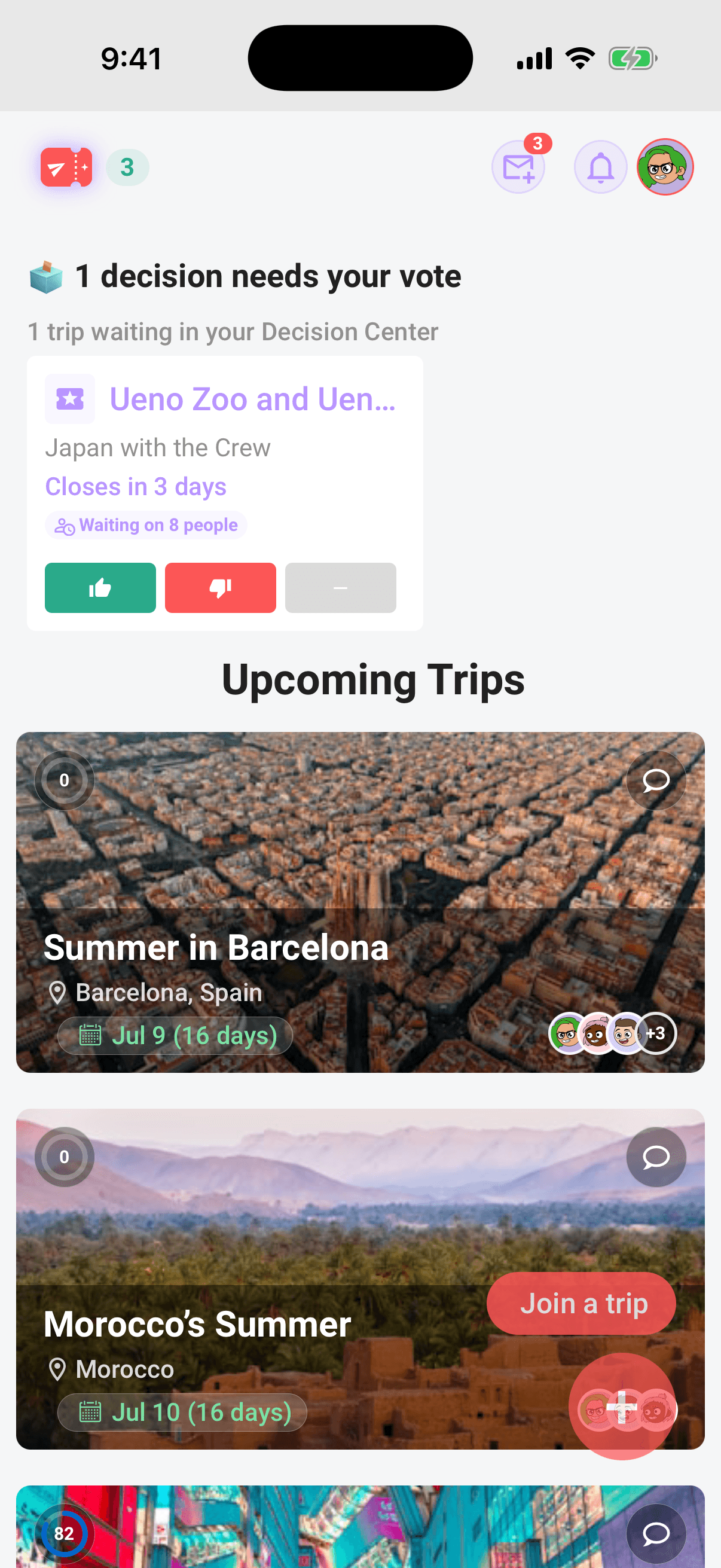
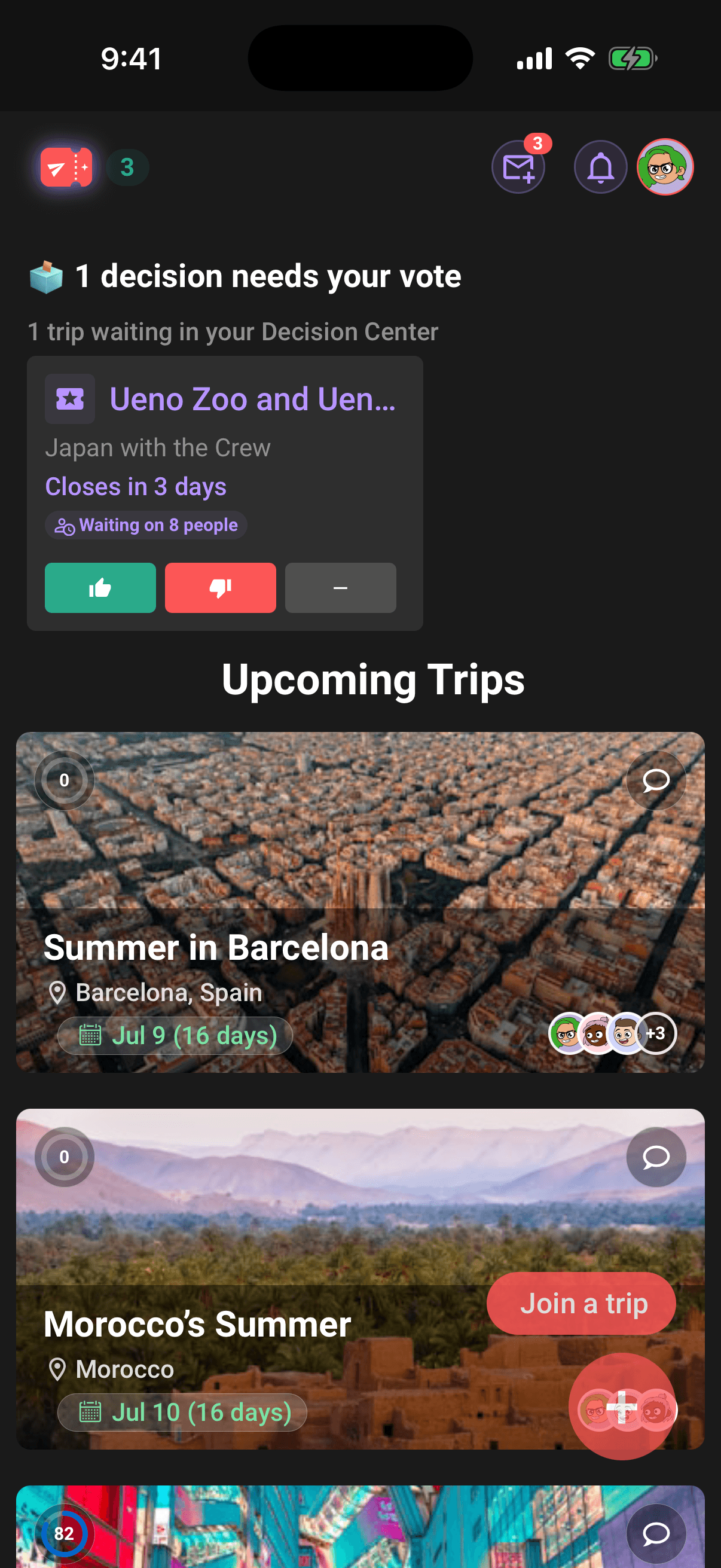
Calm is a feature
Start with an idea, find places together, and let your crew decide. Every feature below is free for every Limbo account, with no Pro upgrade or paywall.
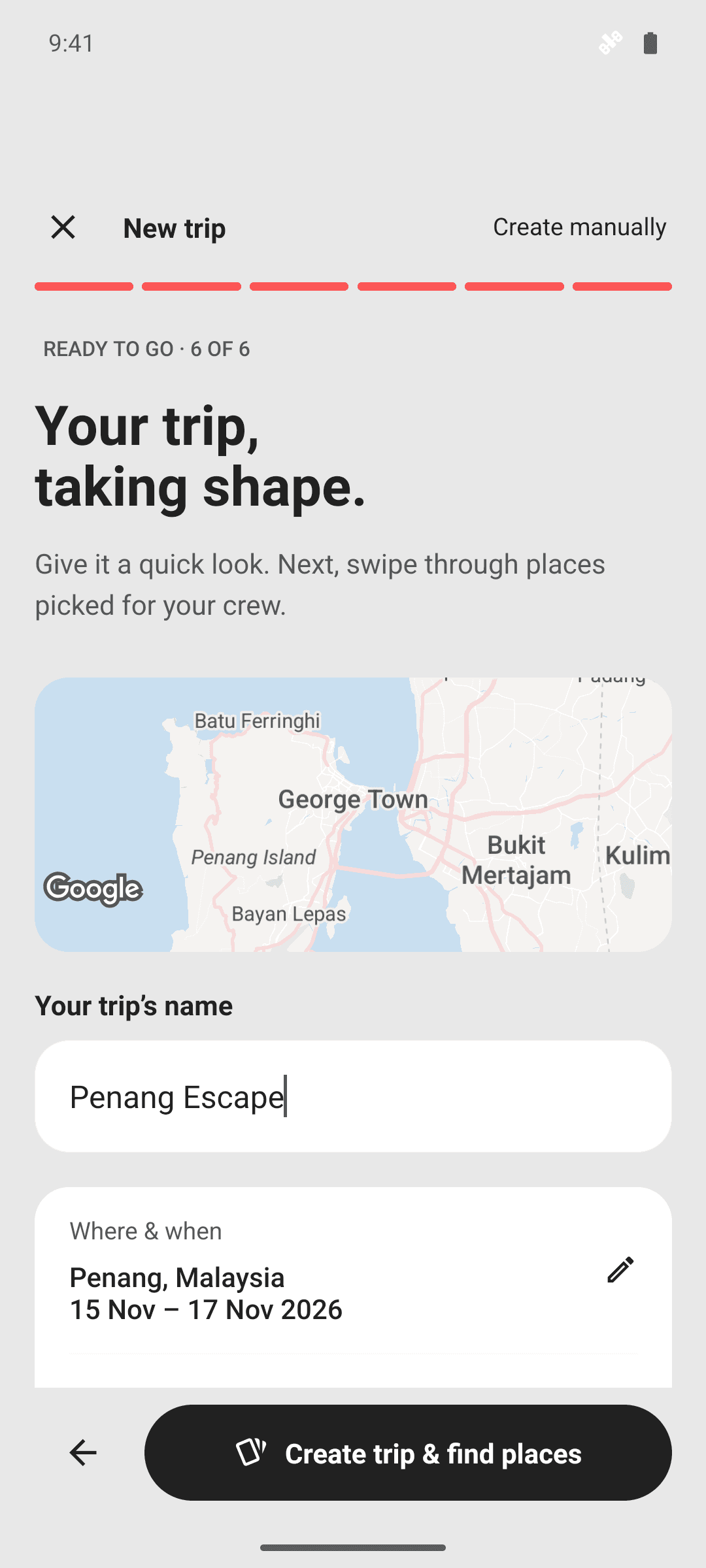
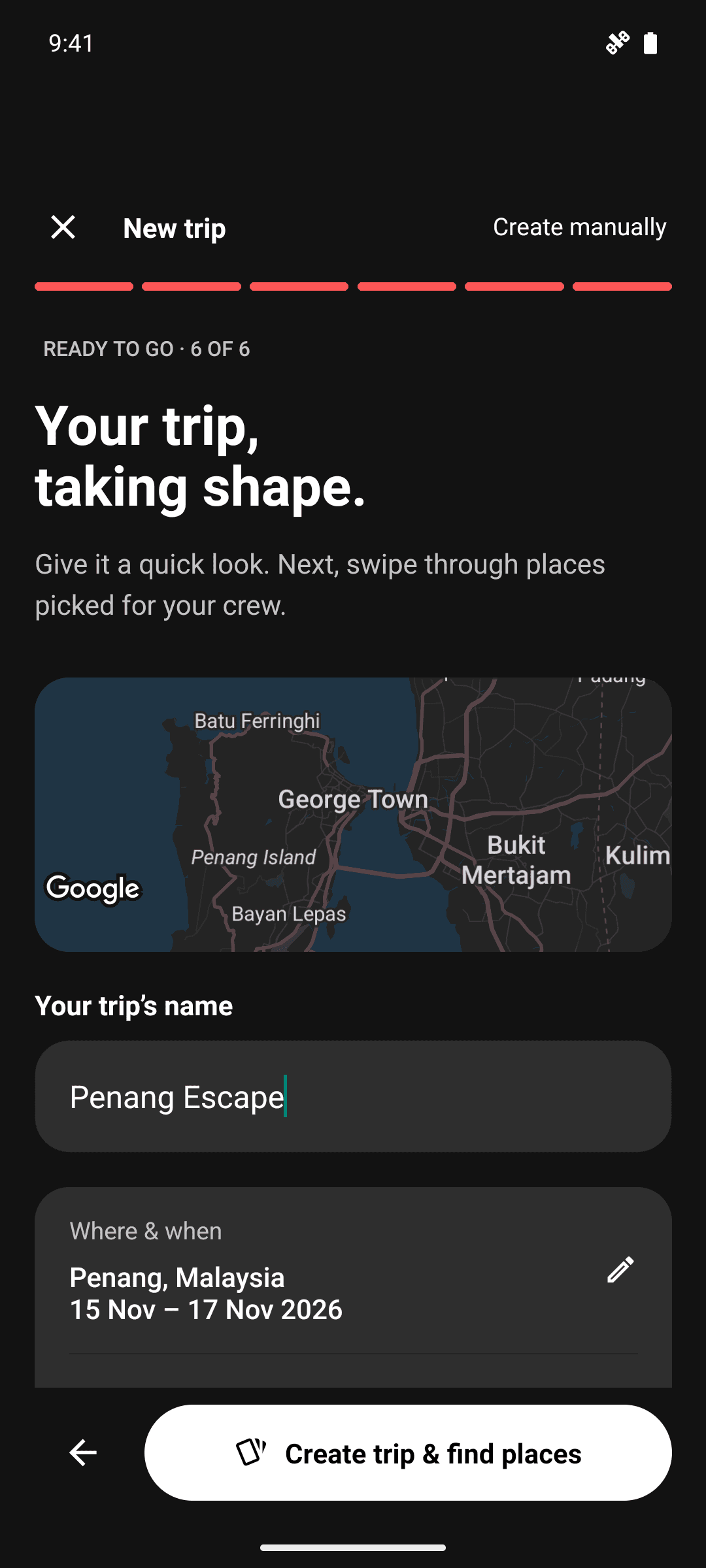
An AI planner that starts with your idea
Tell Limbo where you want to go, when, and what your crew loves. Check the destination, dates, pace and budget on a map, then create your trip and discover places that fit. You choose what becomes a plan.
- Describe your trip
- Review before saving
- Free for every crew
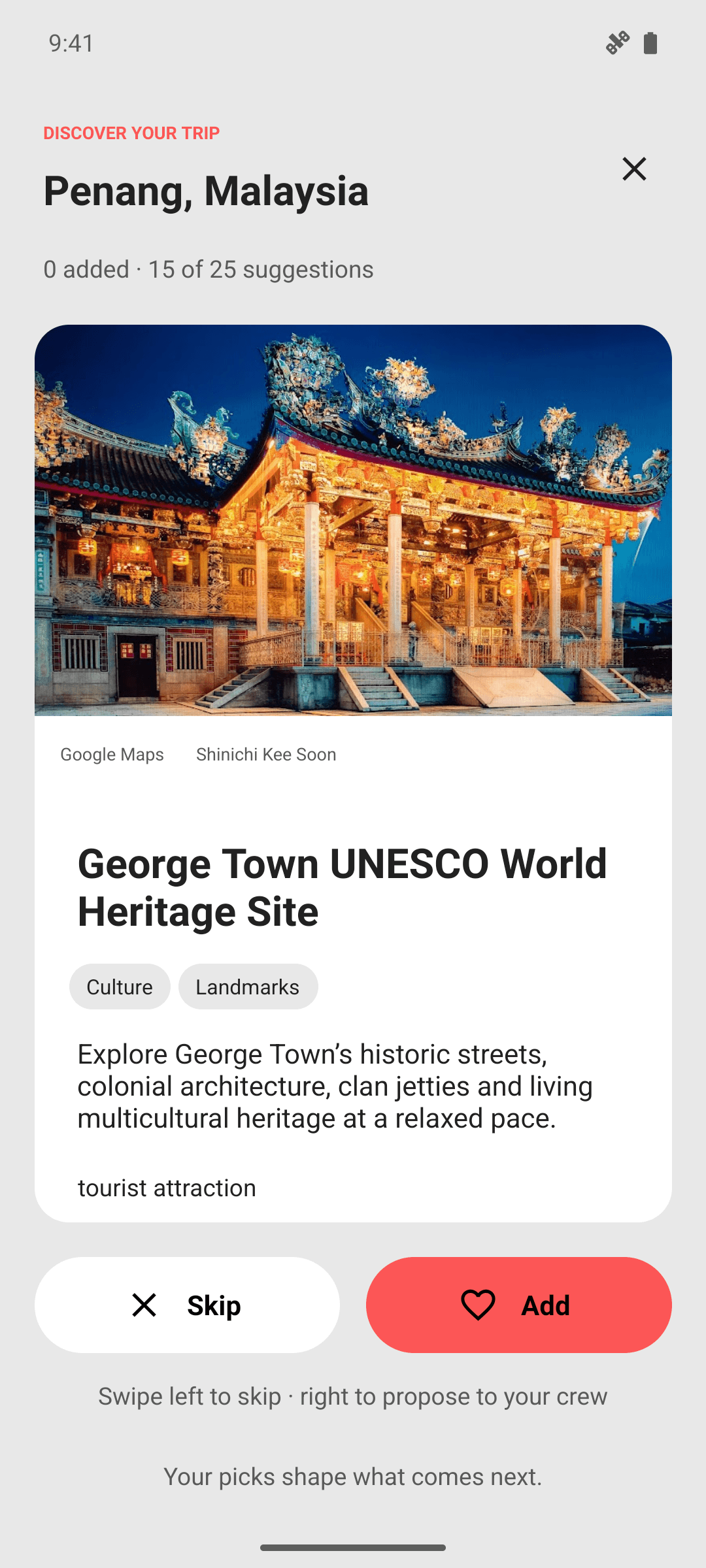
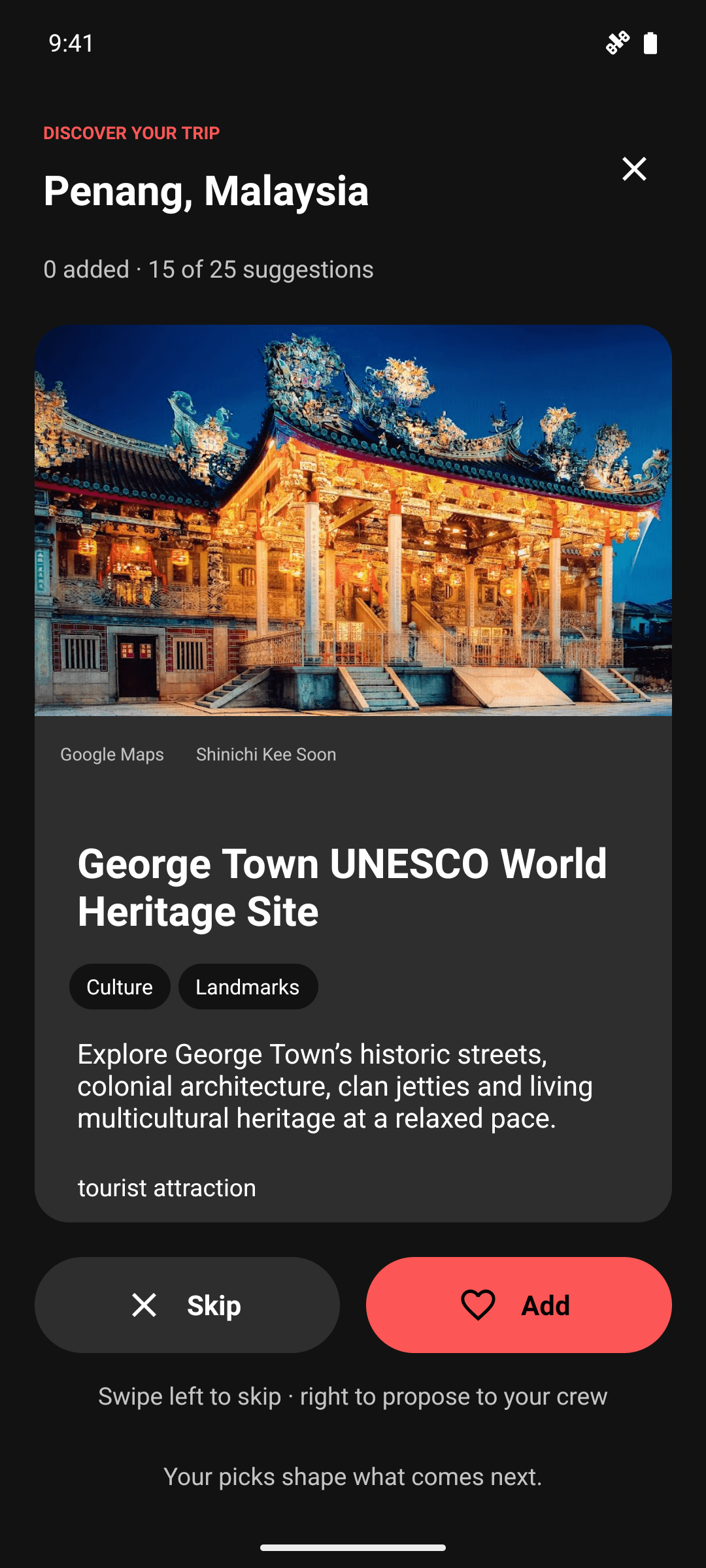
Swipe ideas. Find your crew’s next yes.
Explore a shared deck of places with photos and useful details. Swipe left to skip or right to propose a favourite. Your Yes vote is included, and the crew decides with a sealed ballot. Saved picks are waiting when you come back.
- A shared place deck
- Skip or propose
- Crew votes decide
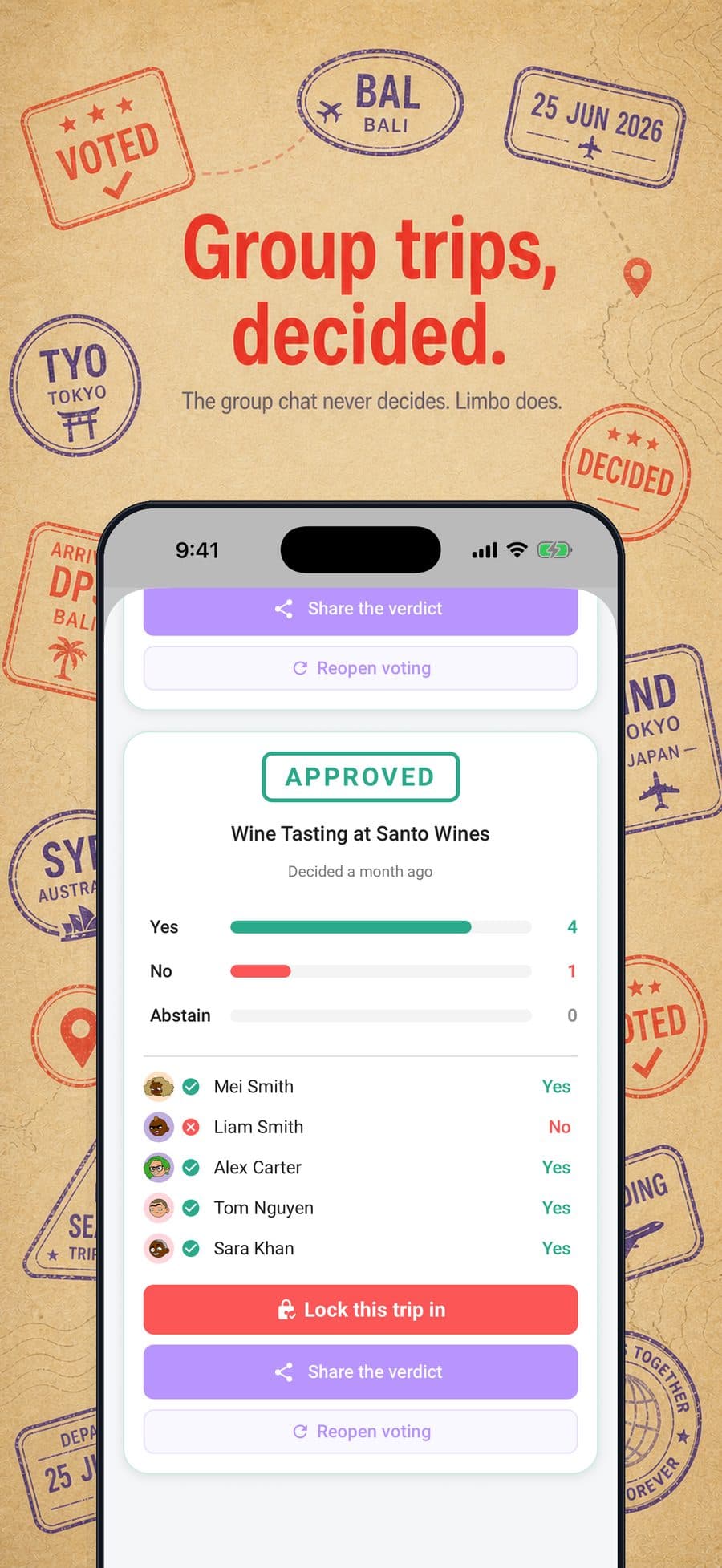
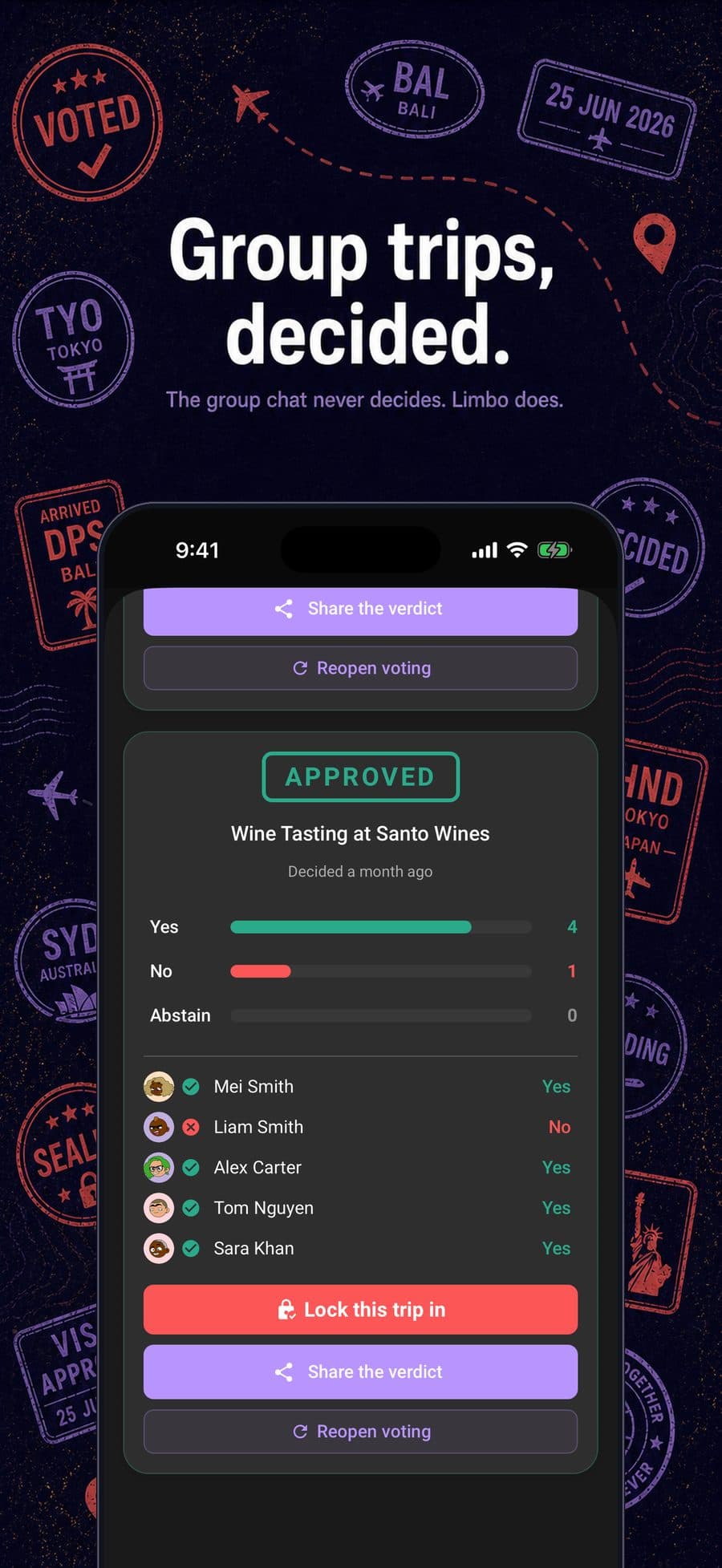
Decisions, finally made
When a ballot closes, Limbo reveals the result, the final tally, and how the crew voted. Everyone leaves with the same answer and the trip can move forward.
- Clear results
- Full tally
- Share the verdict
Vote, don't debate
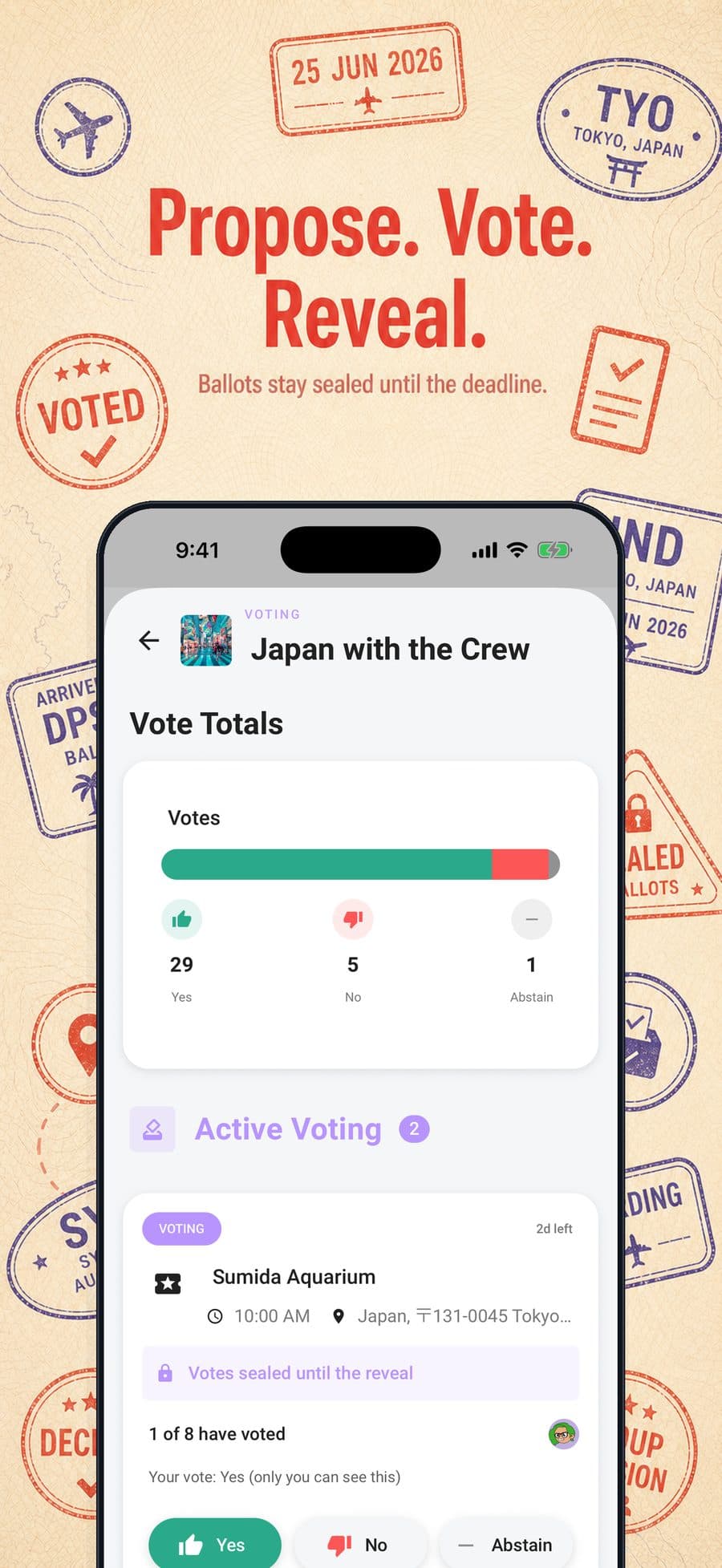
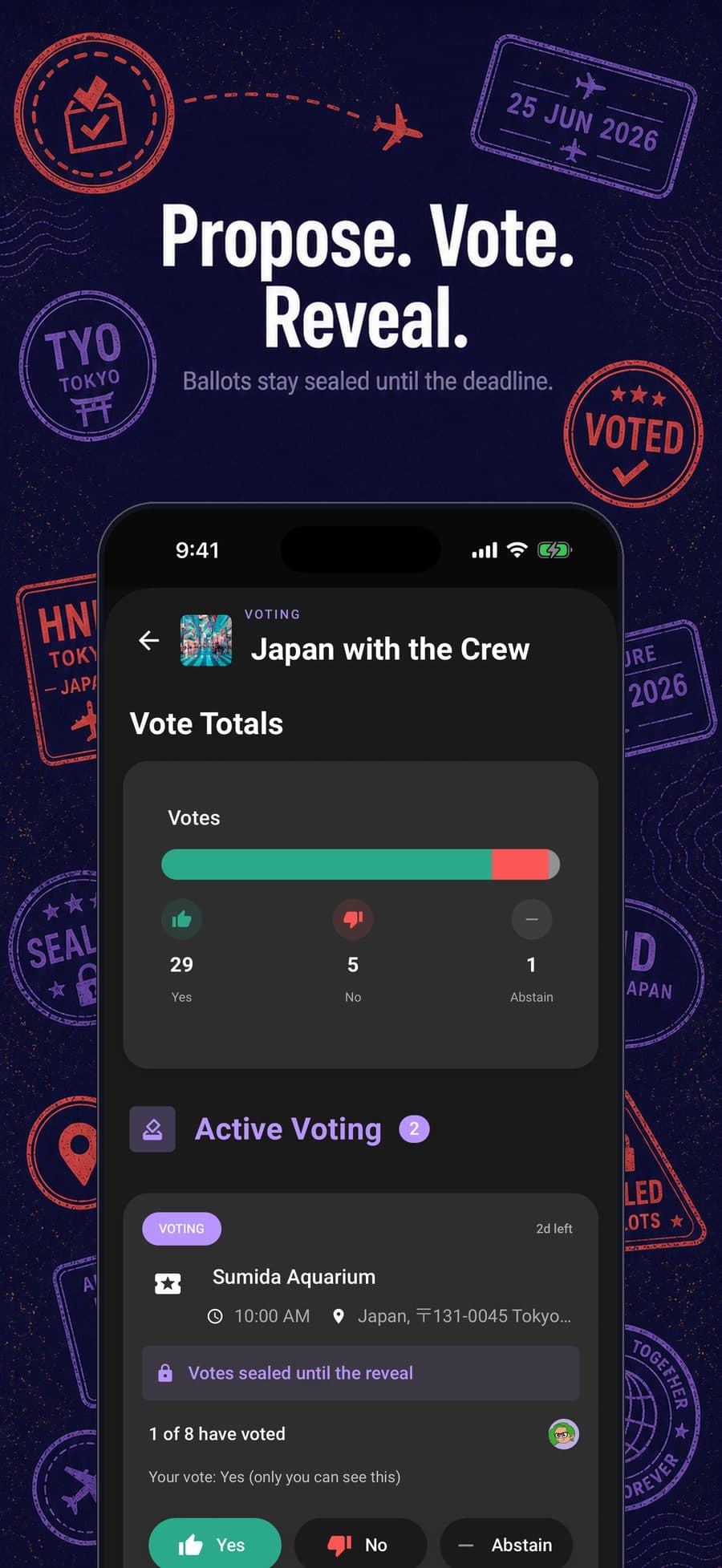
Propose a plan and everyone votes Yes, No, or Abstain. Ballots stay sealed until the reveal, so nobody just follows the loudest voice. Set a deadline: votes stay hidden until the deadline passes or everyone has voted, then Limbo reveals the full result, including who didn't vote.
- Yes / No / Abstain
- Sealed until the reveal
- Deadlines
- Reveal at the deadline
Vote from any phone
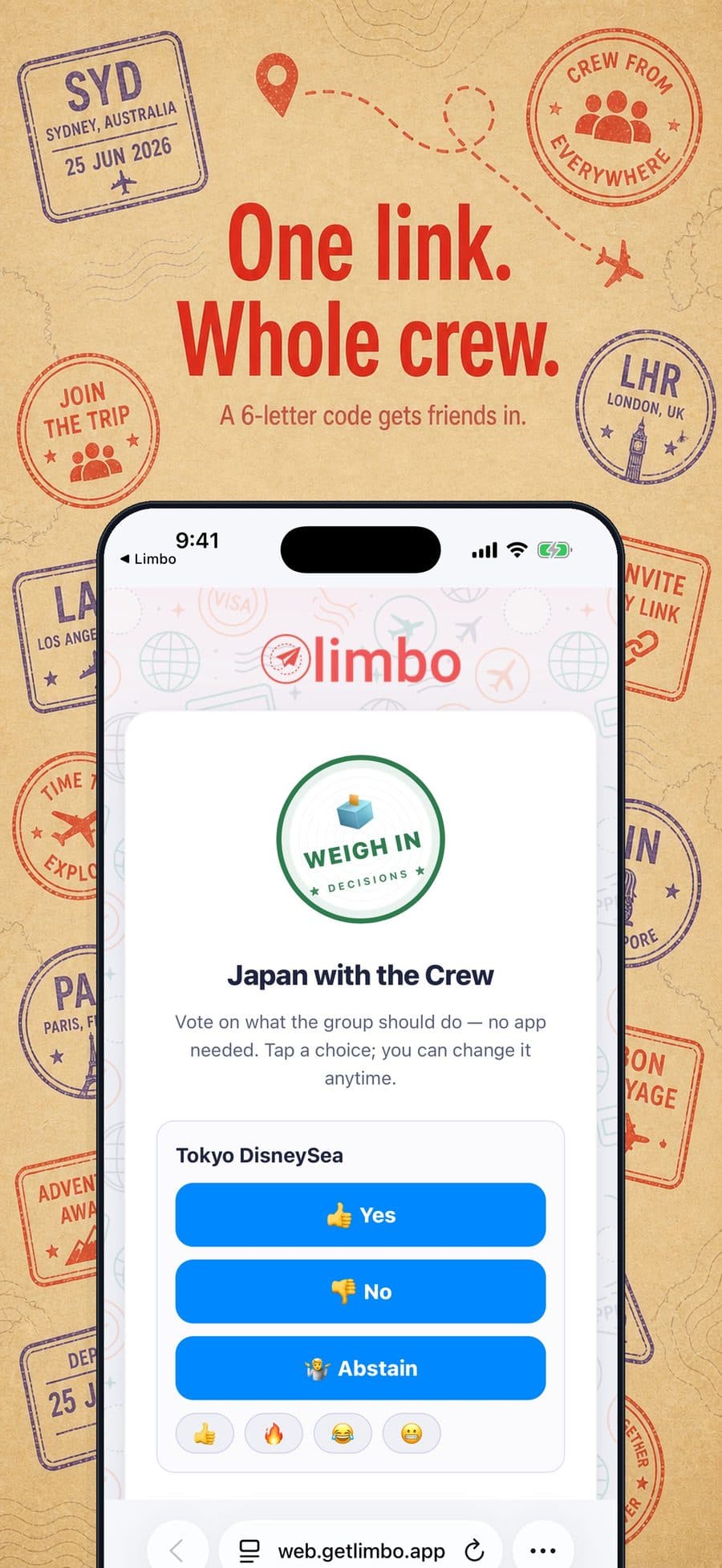
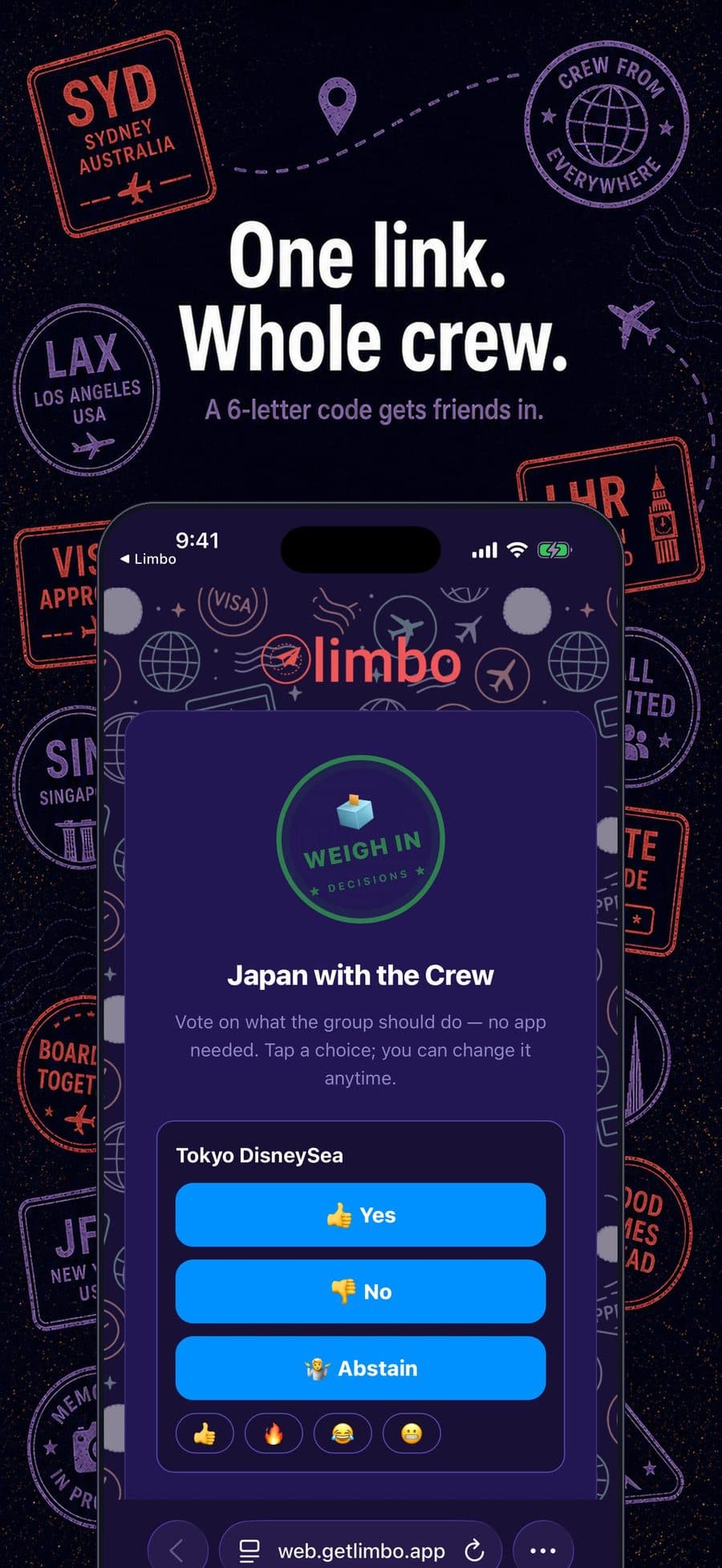
Share one ballot link and the whole crew can vote in a browser, even if they have not installed Limbo. They get the decision, the choices, and nothing else from your trip.
- No install needed
- Private ballot link
- Any phone
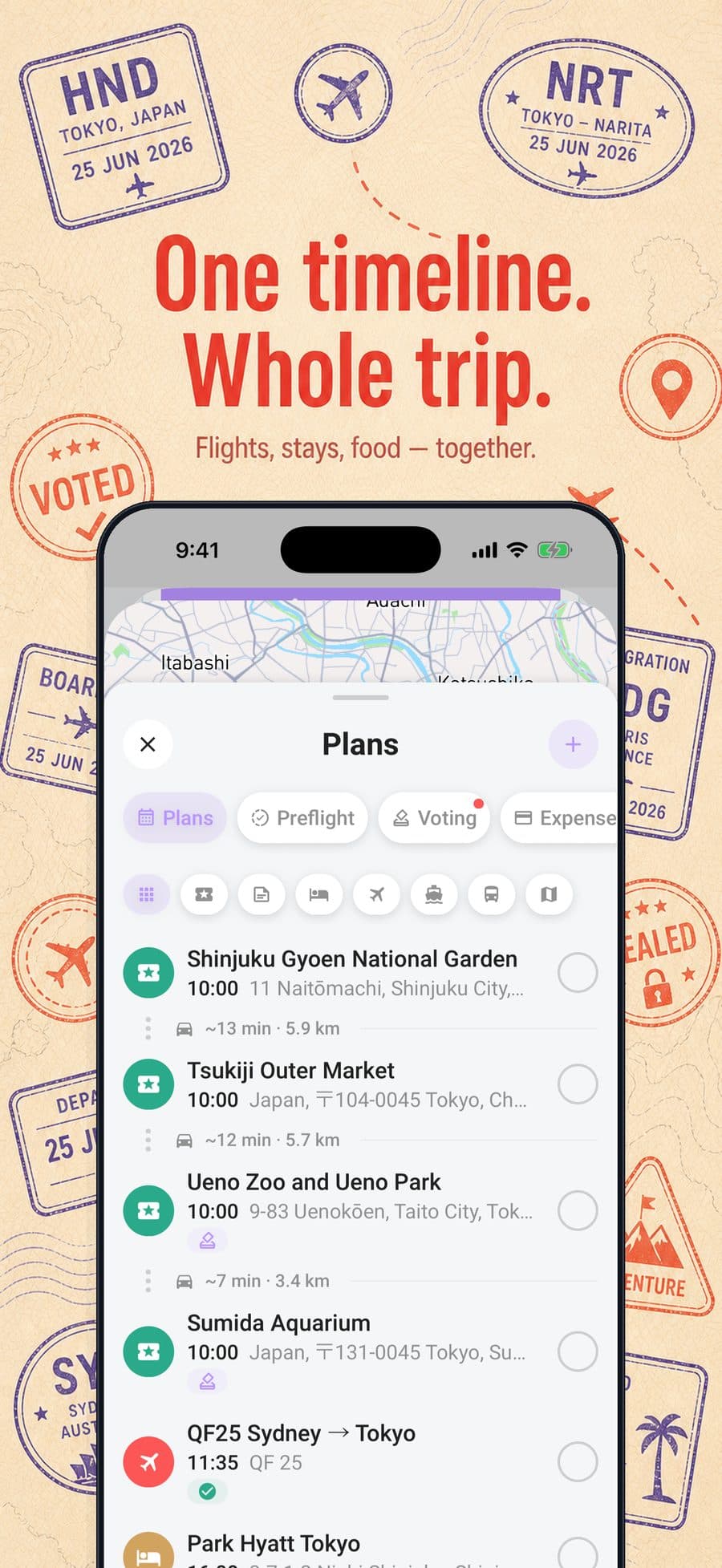
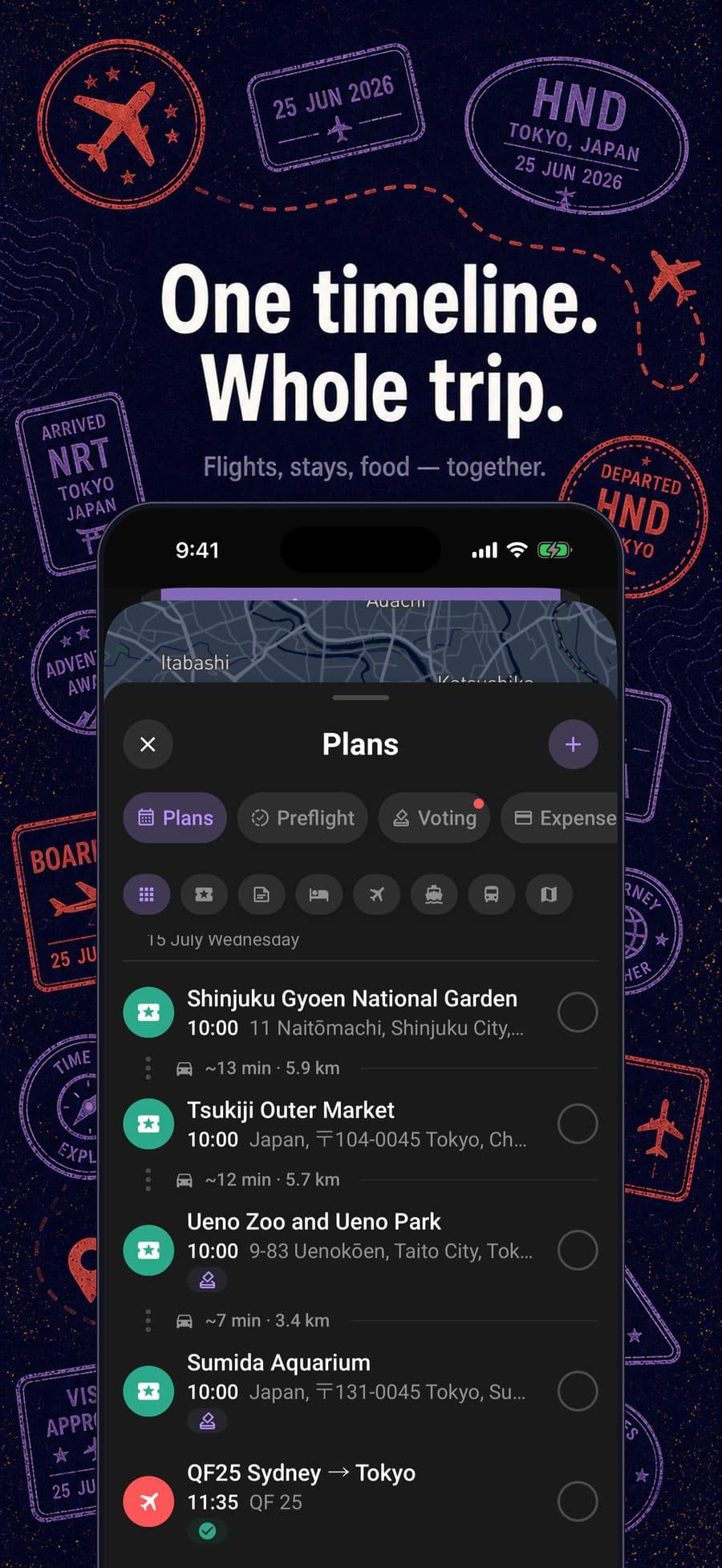
One trip, one timeline
Flights, hotels, restaurants, rentals, and plans in a single timeline. No more digging through inboxes to find where you're staying.
- Flights
- Hotels
- Restaurants
- Events
- Car rentals
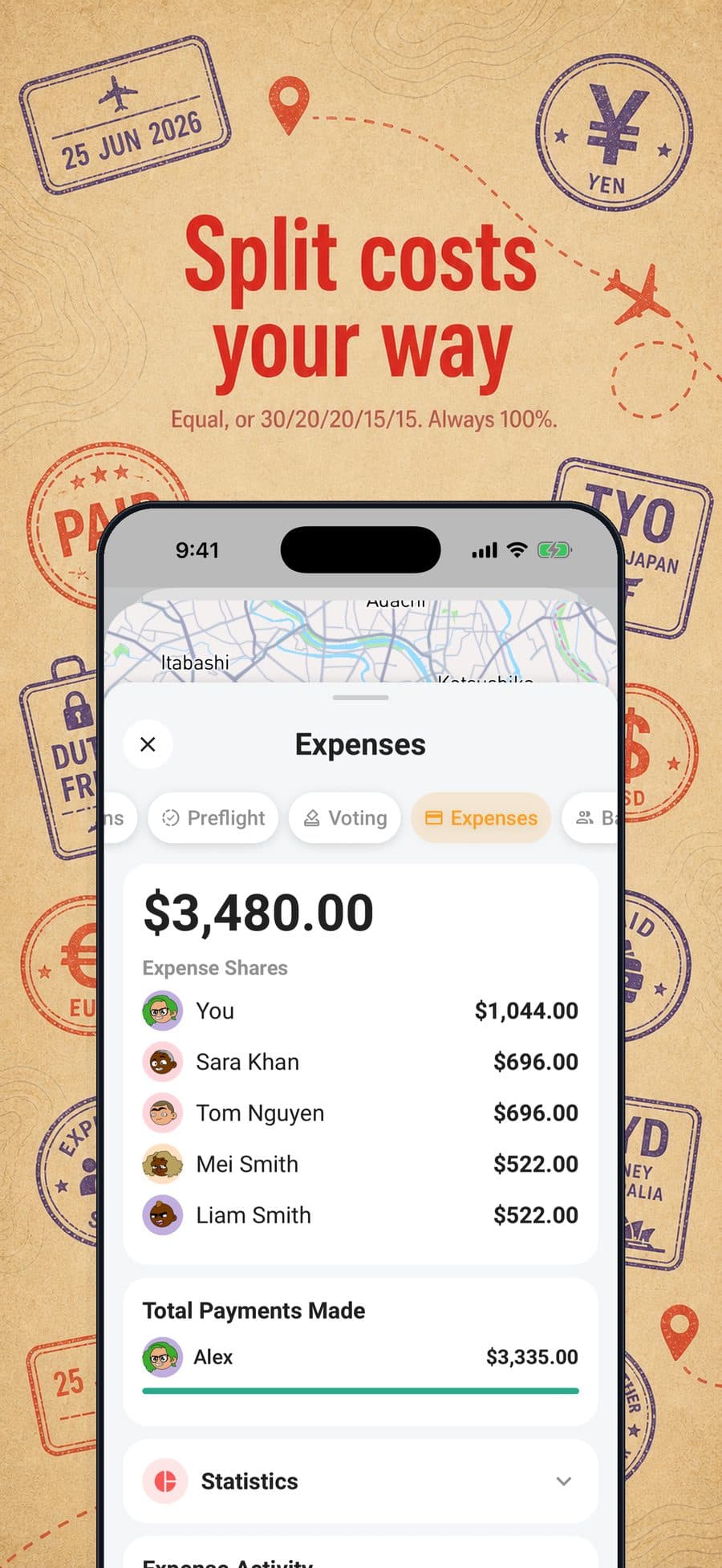
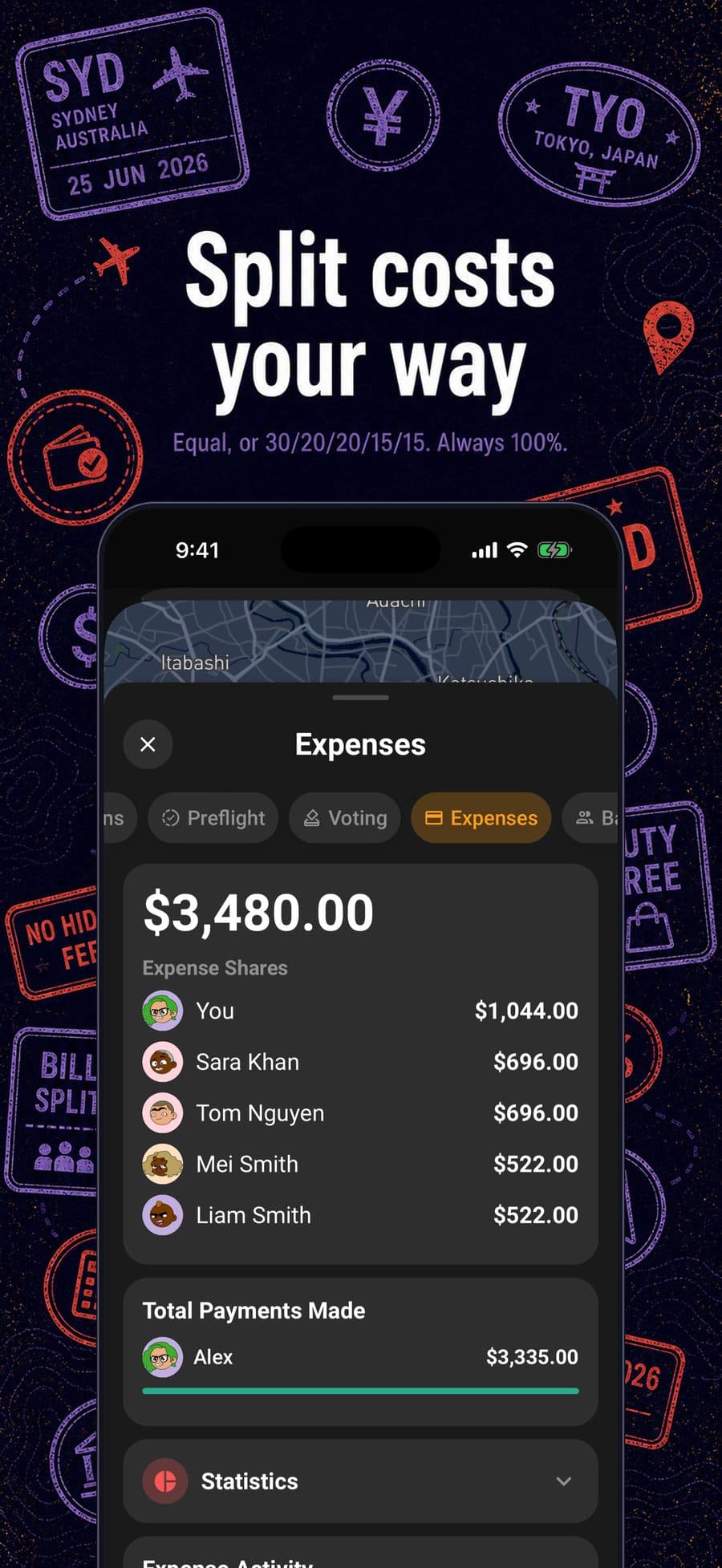
Split costs your way
Record who paid, split each cost equally or by custom percentages, and let Limbo work out who owes whom. Everyone sees the same math without passing around a spreadsheet.
- Custom percentages
- Multiple currencies
- Settle up
Offline for everyone
Limbo opens your cached trips with no connection, and an offline travel pack downloads a trip in advance for the plane or the dead zone. Changes sync the moment you're back online.
Split the budget and settle up
Track estimated versus actual costs, split per person, in any mix of currencies. Record who paid for what, and Limbo works out who owes whom so you settle up without a spreadsheet.
Personal Preflight
See what still needs attention before departure and check off your own readiness tasks. Preflight is free, and Limbo keeps the latest list readable without a connection.
Divvy up the prep
Checklist turns the to-do list into shared work: claim a job or assign it to someone, and watch the "X of N claimed" progress fill in so nothing's all on one person.
Vote from your home screen
The iOS widget keeps open group decisions in view on your home screen, so nothing waits on you to open the app.
Free with Limbo
Plan in ChatGPT or Claude. Bring it to Limbo.
Build your itinerary in a conversation, preview it, then approve saving it as a new Limbo trip. Open the returned trip link and bring your crew into the plan.
Connect through Limbo's MCP connector. You'll need a Limbo account and a chat account that supports custom connectors and saving actions.
Every feature, free for everyone
Less trip admin. More time away.
Start with the AI planner, explore your shared place deck, and ask the trip assistant about confirmed plans. Preview a better day with Smart Route, open your stops in Maps, and download your trip for offline travel.
Planning together includes sealed votes, shared itineraries, trip chat and polls, Preflight, Checklist, multi-currency expenses, cost splits, balances and settlements. Trip and plan attachments, calendar sync, forwarded booking emails, automatic Gmail imports and live flight alerts where available are included too. No display ads, no feature upgrade.
Place discovery includes five suggestions per trip day, with a minimum of 25. Shared service limits, internet requirements and trip permissions still apply. Existing subscriptions can be managed separately in your account.
Three steps to a smoother trip
- 01
Bring everything in
Add plans in seconds, or forward booking emails and let Limbo do the typing.
- 02
Invite your people
Crew join with a 6-character code, see the same trip, suggest plans, and vote. Decisions happen without the endless thread.
- 03
Travel lighter
Limbo keeps your trips readable with no connection, orders a day's stops with Smart Route, and hands the day to your maps app when it's time to move (Google Maps, plus Apple Maps on iOS 18.4 and later).
Questions, answered
How much does Limbo cost?
Every core trip workflow is free: creating and joining trips, adding plans, voting, chatting, Preflight, Checklist, expenses, and balances. Limbo includes Smart Route, Open in Maps, offline trip access, offline travel packs, trip attachments, an automatic Gmail booking inbox, and live flight alerts where available, and it removes ads. All features are free for everyone.
Can I send a trip from ChatGPT or Claude to Limbo?
Yes. Connect Limbo to a ChatGPT or Claude account that supports custom connectors and saving actions. Build your itinerary in the conversation, ask for a Limbo preview, then approve saving it. Limbo creates a new trip and returns a link to open it. Limbo features are free; your chat provider's plan and workspace permissions apply separately.
Does my crew need the app?
Not just to vote. Crew can weigh in from a personal browser link with no app or account. For the full shared trip, plans, chat, expenses and Checklist, they join the free app with your 6-character invite code. Offline access is free for everyone.
Does Limbo work offline?
Yes, for everyone. Offline trip access opens trips Limbo has already cached with no connection, and an offline travel pack is an explicit encrypted download of a trip, its Checklist tasks, linked guides, and saved attachments that you can resume, refresh, or remove. Packs stay available to the same signed-in account without a subscription or 72-hour expiry. Google map tiles and trip chat still need a connection.
How does the email import work?
Forward any booking confirmation to addthis@getlimbo.app: flights, hotels, car rentals, events, and restaurants are supported. Limbo extracts the details with a confidence indicator, and you review and confirm before anything is added. Forwarding is free. Limbo can also connect a Gmail account with Google's read-only permission and scan it for booking confirmations, and those matches wait in Incoming Plans for the same review.
How does group voting work?
Propose a plan and your crew votes Yes, No, or Abstain. Votes stay sealed, tallies hidden, only your own vote visible, until the deadline passes or everyone has voted. Then Limbo reveals the full result, including who didn't vote. Deadlines run up to 30 days.
Can the group split costs and settle up?
Yes. Split costs per person, equally or with custom percentages, and record who paid for each expense. Limbo derives who owes whom and lets the crew settle up right from Expenses. It's record-keeping; Limbo never moves money.
Your next trip can be the easy one
Get Limbo on iOS and Android. Every core trip workflow is free. Start planning in minutes.